The Pointly Box keeps classification inside your network
5 min readProduct
Some surveys can never leave the environment they were captured in. If the data has to stay inside your perimeter, the classification has to come to the data.
Survey a rail corridor, a high voltage network or a harbour, and you are usually holding data that somebody has classified as critical infrastructure. Municipal contracts often carry the same clause from the other direction: the authority owns the raw scan and it stays on the authority's own systems. Defence adjacent work rarely needs the clause written down at all.
The rule itself is short. Living with it is the expensive part. The usual route is a set of macros with a manual quality check behind them, and once the data cannot leave the building that check falls to the few people cleared to see it. A single city block of dense airborne data can absorb weeks of their time, and every new survey starts that clock again.
The same stack, packaged for your data center
The Pointly Box is the classification stack that runs in the Pointly cloud, delivered as a sealed appliance image. You import it into the hypervisor you already run, start it as a virtual machine, and it sits beside your existing services like any other workload.
That packaging is deliberate. The teams who need this are usually the ones with the strictest change process, so nothing is configured on site: DNS names, TLS certificates and firewall rules are fixed when the image is built. We collect those parameters first and compile them in. What arrives is one machine image, one license, and an inbound network path from the systems that will call it.
Everything the classifier needs is inside the image. The points stay on the machine you put them on.
Three ways to drive it
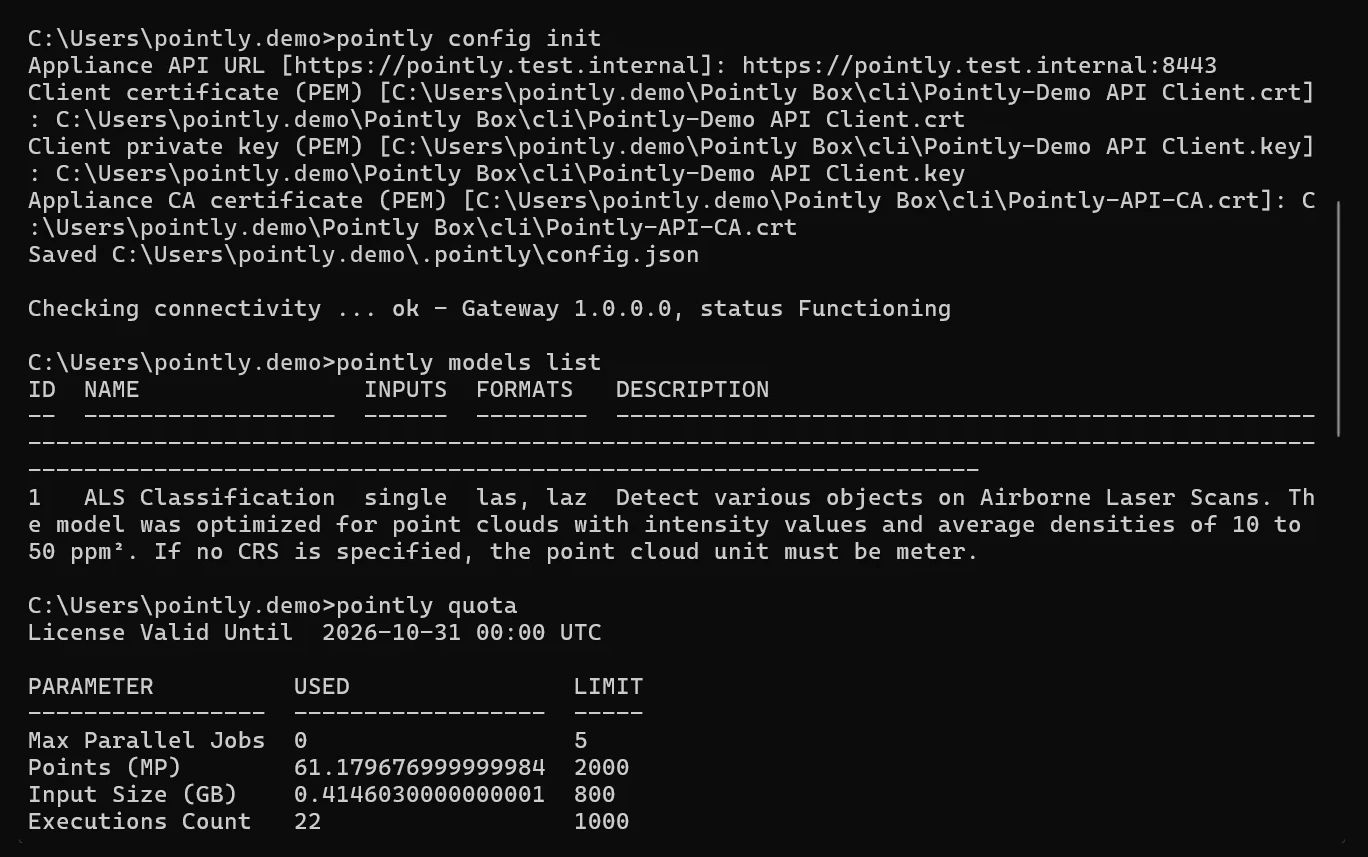
Once the machine is up, the Box exposes the same job in three shapes, so it fits whoever is going to use it:
- A REST API secured with mutual TLS. Both sides present a certificate, so the Box knows which system is calling it and the caller knows it is talking to the Box.
- A command line client, shipped as a single binary. Drop it on a workstation or a build agent and call it from a script.
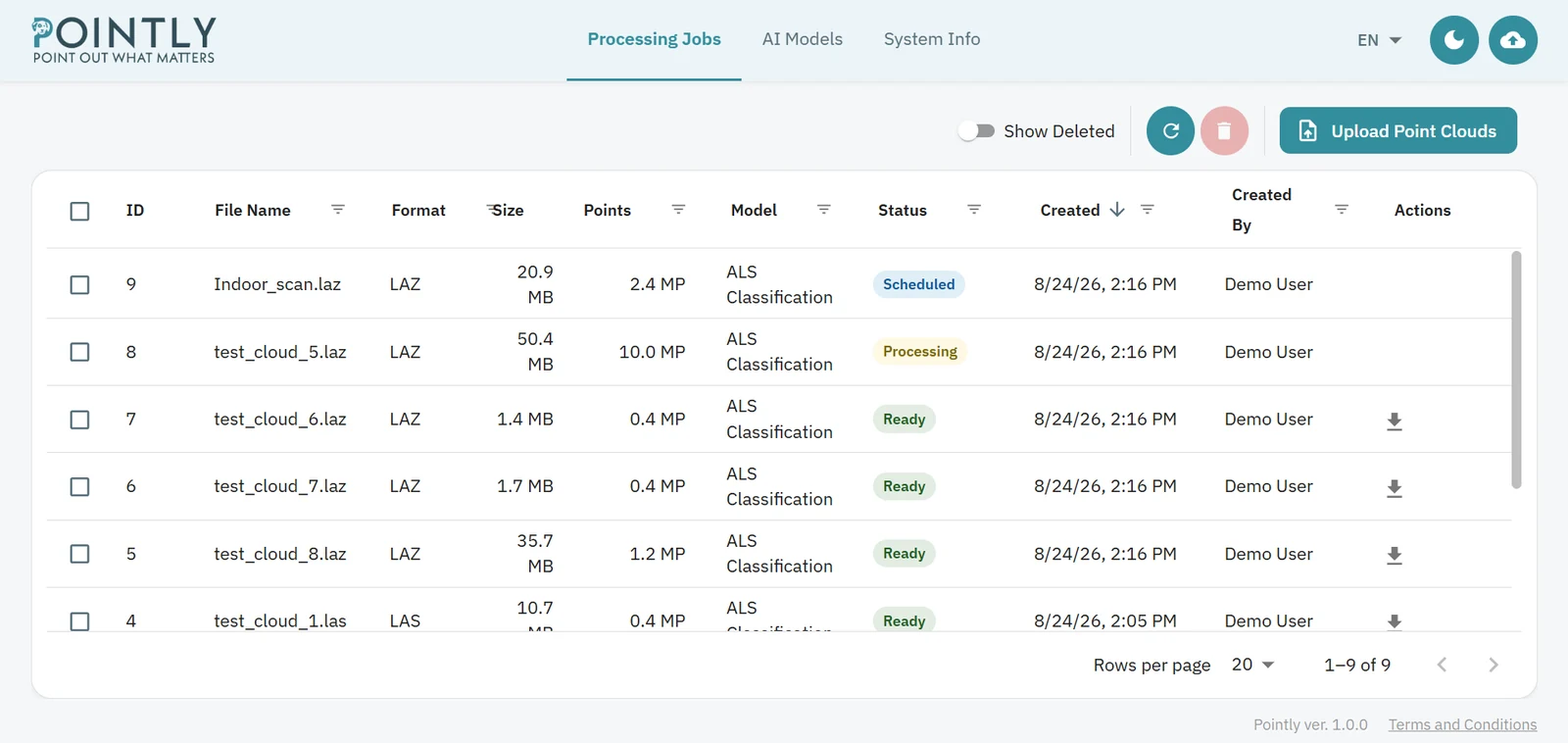
- A web interface, for the people who would rather load a file and watch the result come back.
Access is by client certificate. There are no passwords and no tokens, and the rule is the same at all three doors, because they lead to the same queue.
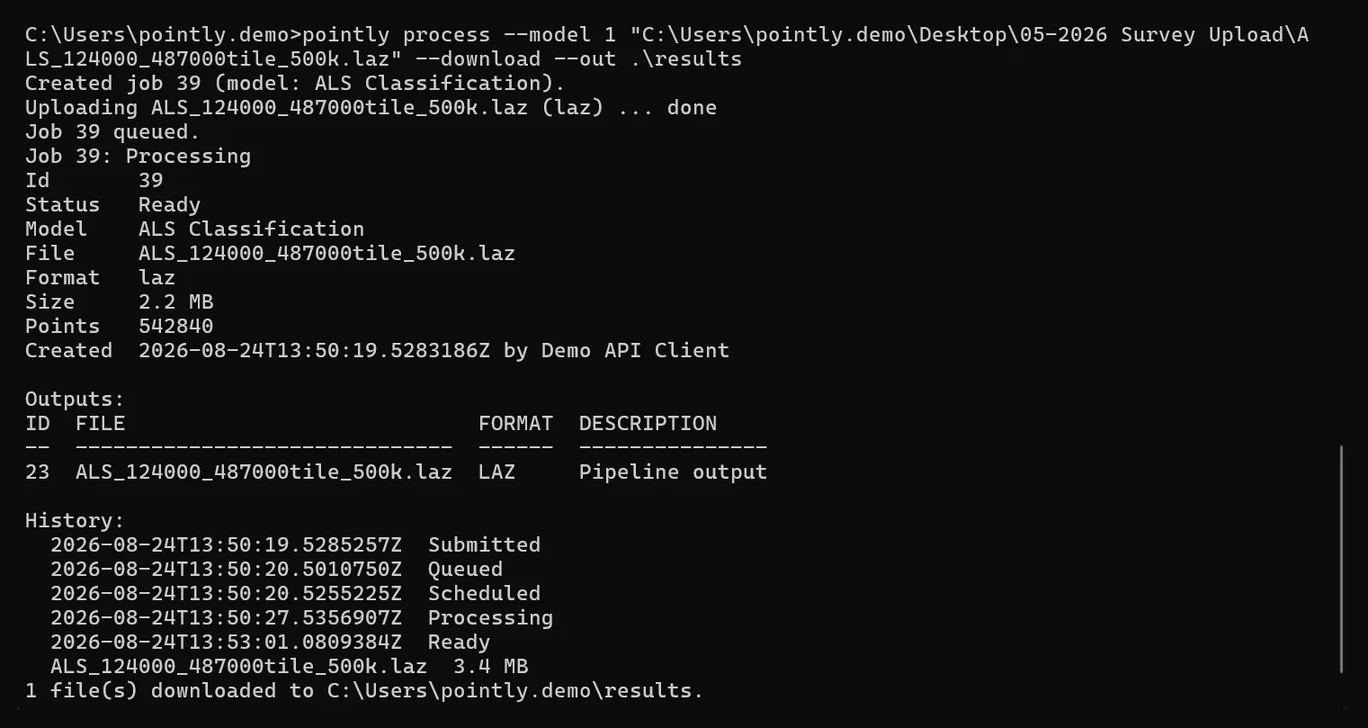
Deployments settle into a handful of patterns:
- Bulk in one command. A flight lands, the whole folder of tiles goes in on one call.
- Overnight batch. Data arrives during the day, the run starts at three in the morning, the results are there before anybody is.
- Watched folder. Files land in a share, results appear beside them.
- Pipeline stage. One more call in a pipeline that was already there, between the steps that come before and after it.
- Fire and forget. Submit a dense scan, collect the result later.
The list is not closed. Anything on your network that can make an authenticated call can drive the Box, an assistant your own team has wired up included.
What you provide, and what arrives
You provide
- The server, to the specification we give you
- Your hypervisor
- Network access from the systems that will call it
You receive
- The appliance and compute node images
- The hardware license key, on a USB dongle
- The host installer
- The command line client
- Your client certificate bundle
- The deployment guide, and the API and CLI reference
There is no internet connectivity at any point, and zero egress. The air gap is built into the appliance, and the license travels on the USB dongle, with no connection back to us. Air gapped, the Box classifies exactly as well as one with a route to the internet.
Where this leaves your data
On your hardware, in your building, under your access control. The classified cloud is written back where you told the Box to write it, in the same LAS or LAZ your systems already read, and the object exports come out in DXF, Shapefile, CSV or GeoJSON. The output is identical wherever the processing runs.
Two other routes exist for teams whose rules allow them, and they are worth knowing about before you commit to hardware. Processing in the Pointly cloud is the fastest way to start. A regional backend tenant puts storage and processing in the Azure region you name, which answers a data residency requirement while the running stack stays with us. The Box is the answer when the data has to stay on hardware you control, and the same appliance image runs in a private or sovereign cloud under your own jurisdiction, on the same air gap conditions.
Two ways to license it
Which one fits depends on whether your volume is steady or moves.
- An annual license runs for the year with a cap on how many jobs run at once. The binding counter is parallel jobs. This is the shape for a steady workload.
- Usage based licensing leaves parallel jobs uncapped and meters the volume instead, in MPoints, paid in advance. This is the shape for work that arrives in waves.
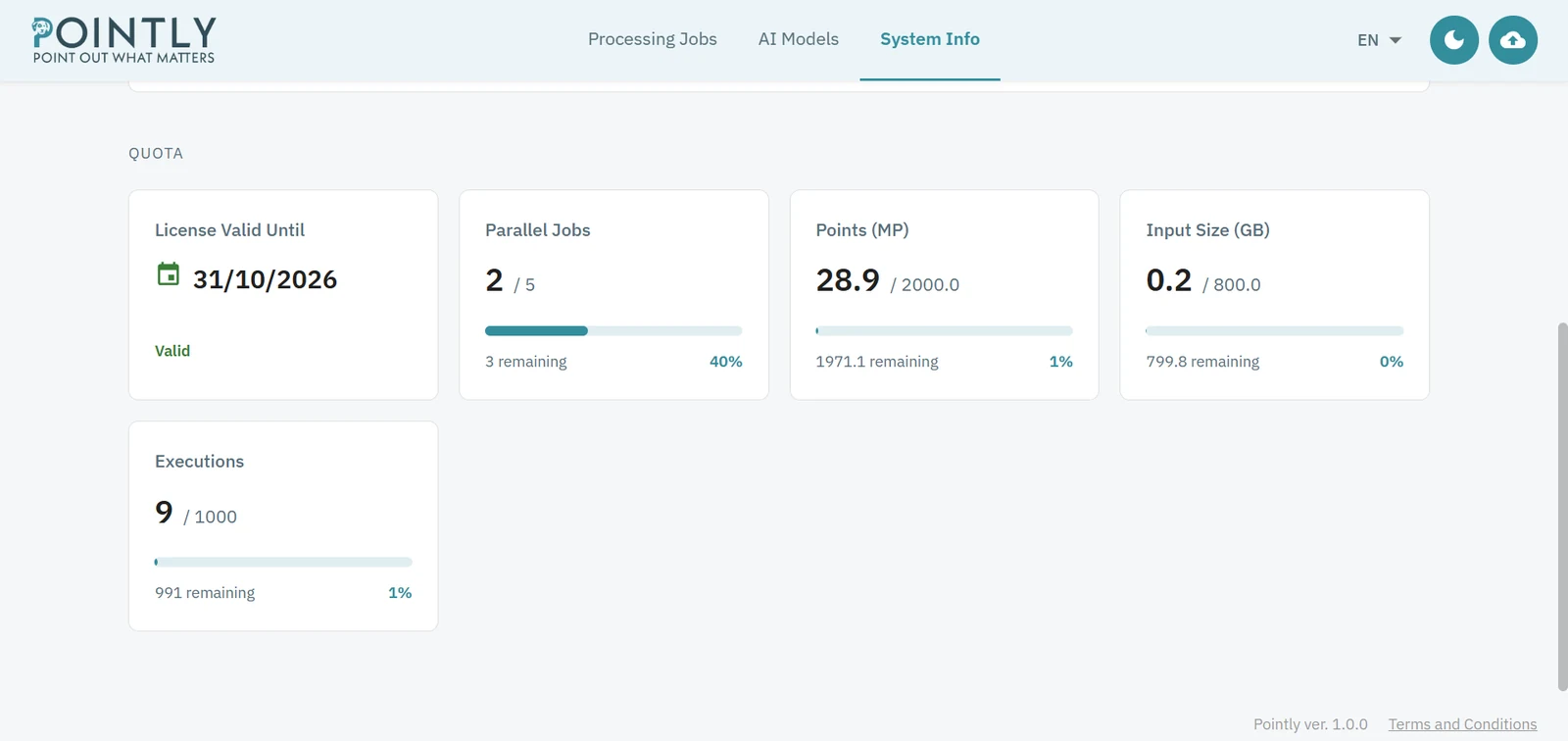
Both include the initial setup and an allowance of support days, and the current figures are on the pricing page. Whichever shape you take, the counters are in the appliance and you can read them at any time.
Read more about the four ways to run Pointly.
Read next